

Seedream 5.0 Pro AI Image Generator
Create crisp 1K or 2K images from text and guide edits with up to ten references in one focused Seedream 5.0 Pro workflow.
- Seedream 5.0 Pro Aspect ratios
- 15Aspect ratios
- Seedream 5.0 Pro Reference images
- 10Reference images
- Seedream 5.0 Pro Max resolution
- 2KMax resolution
Start from a prompt or guide the edit with up to ten cropped reference images.
Image Examples
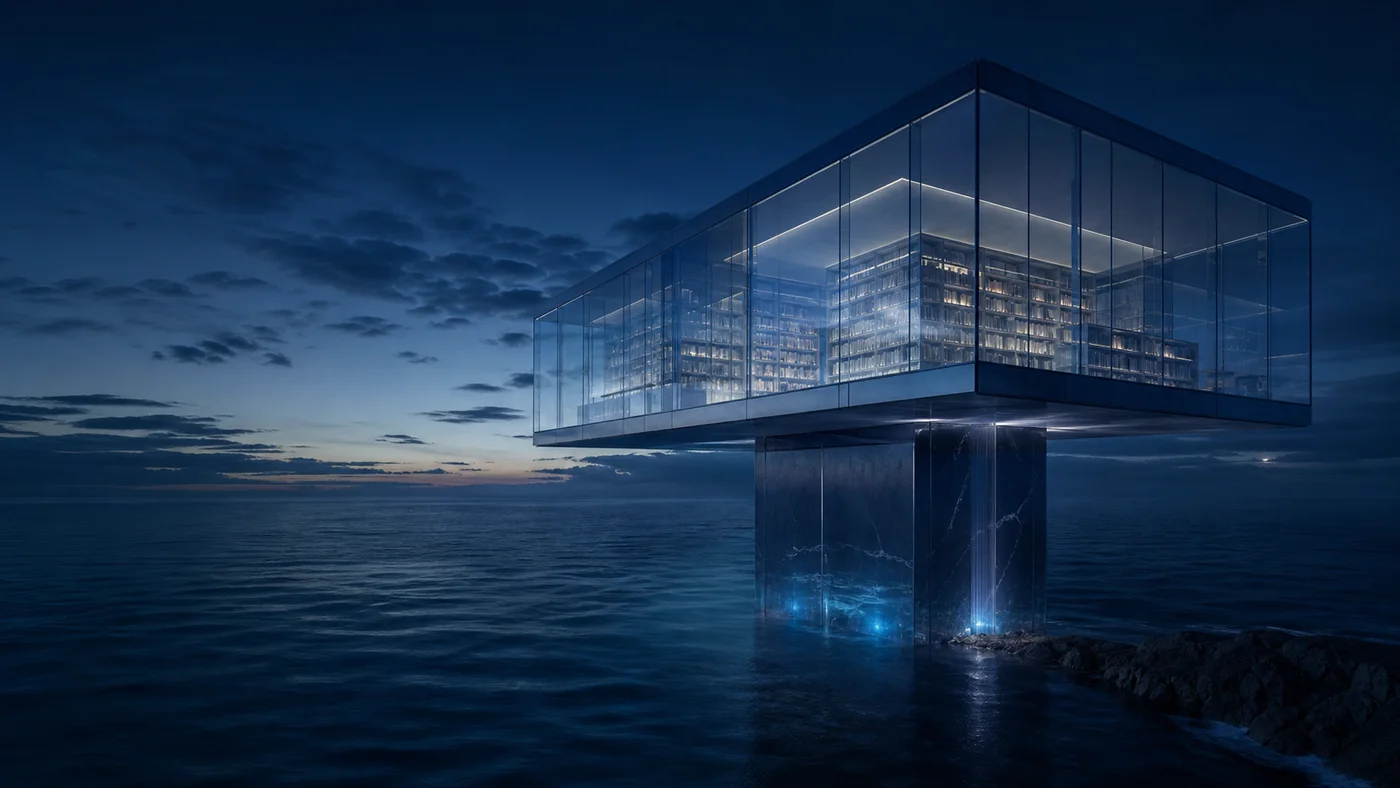
Explore five creative directions built to show how the Seedream 5.0 Pro AI Image generator supports editorial, product, information, architectural, and campaign work created with Seedream 5.0 Pro.

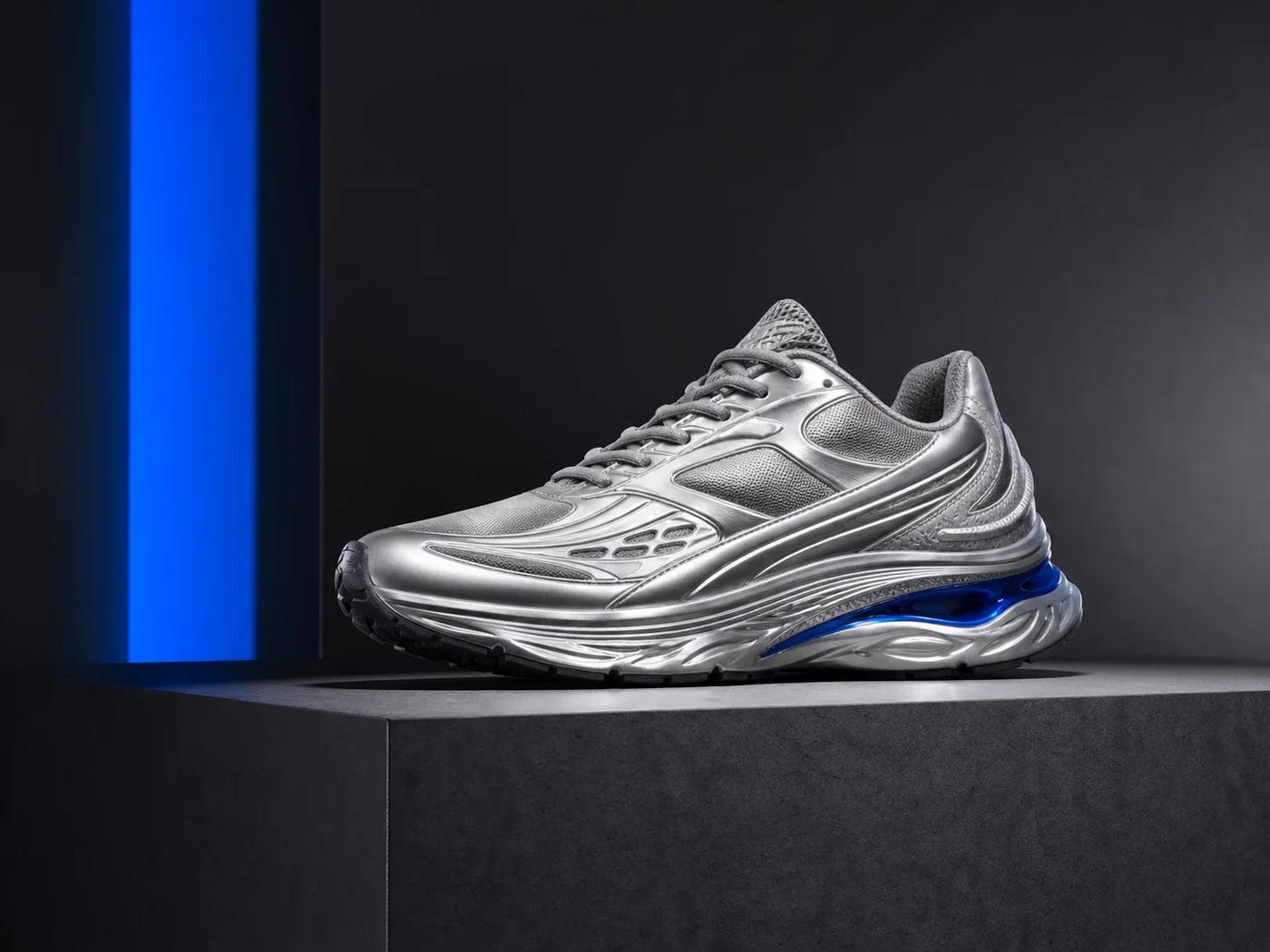
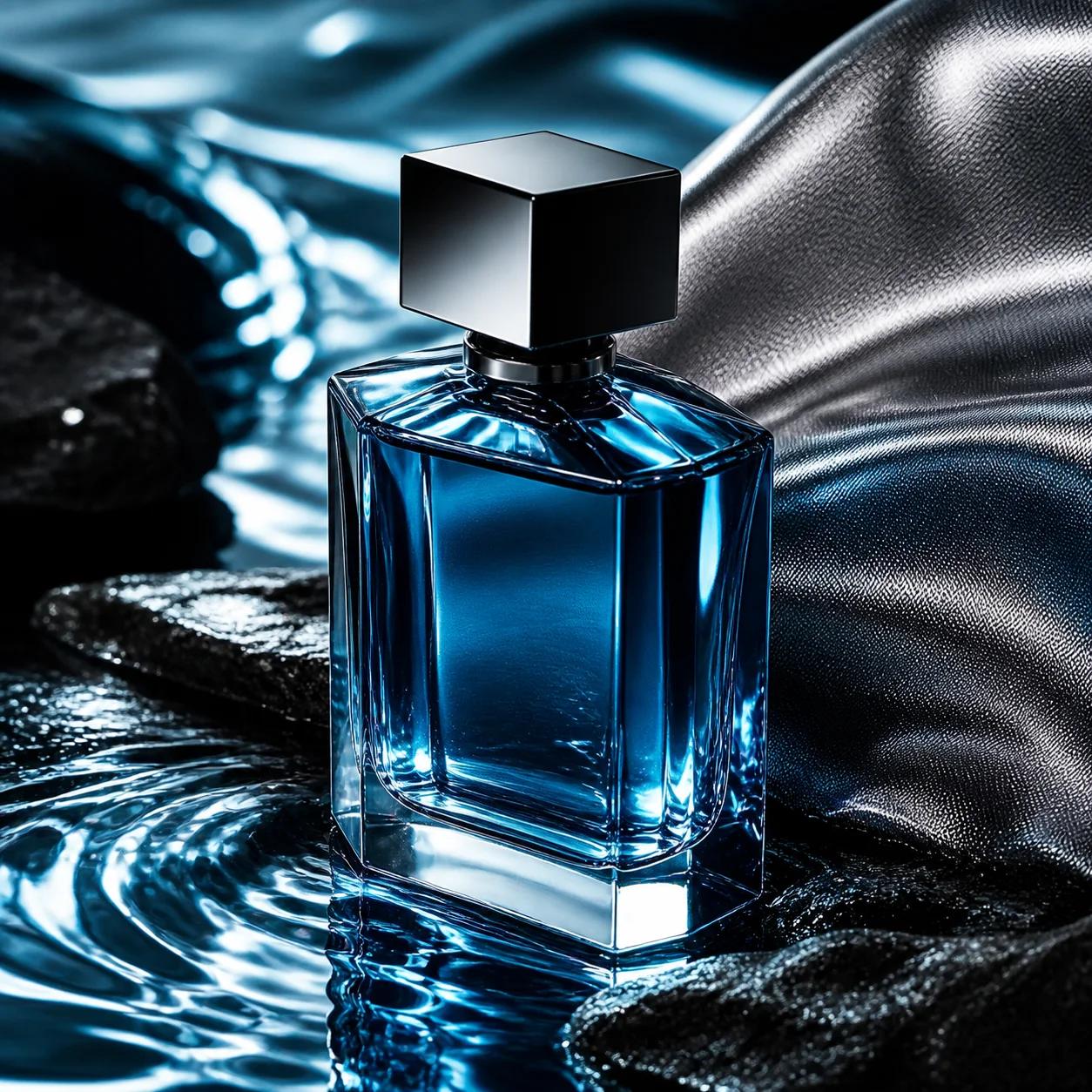
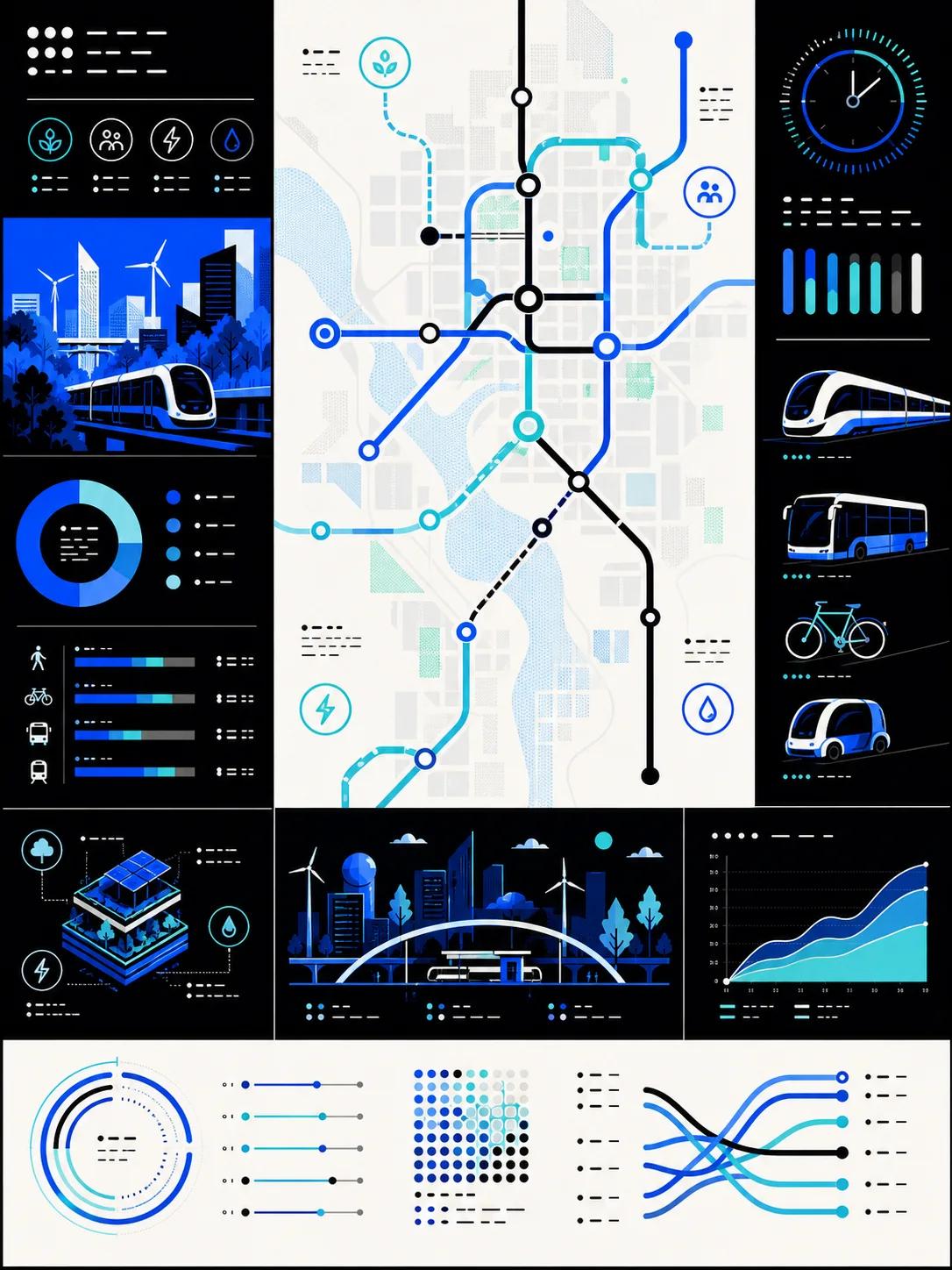
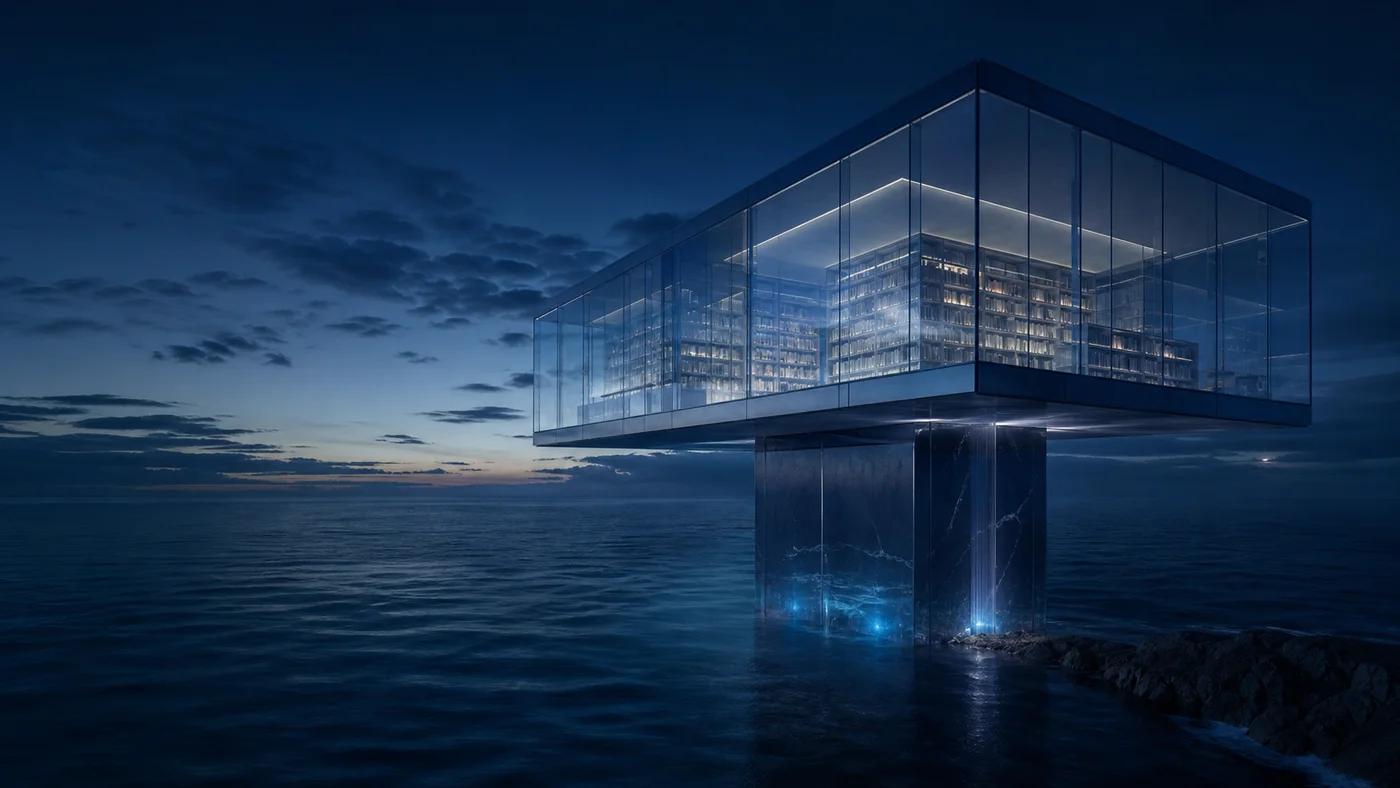
Turn Detailed Prompts into Production-Ready Images
The Seedream 5.0 Pro image generator converts clear creative direction into polished visuals with strong prompt following. Pick any supported aspect ratio and render at 1K for quick exploration or 2K for campaign-ready detail. The model handles portraits, product concepts, posters, diagrams, and cinematic scenes without forcing you through a complicated setup.
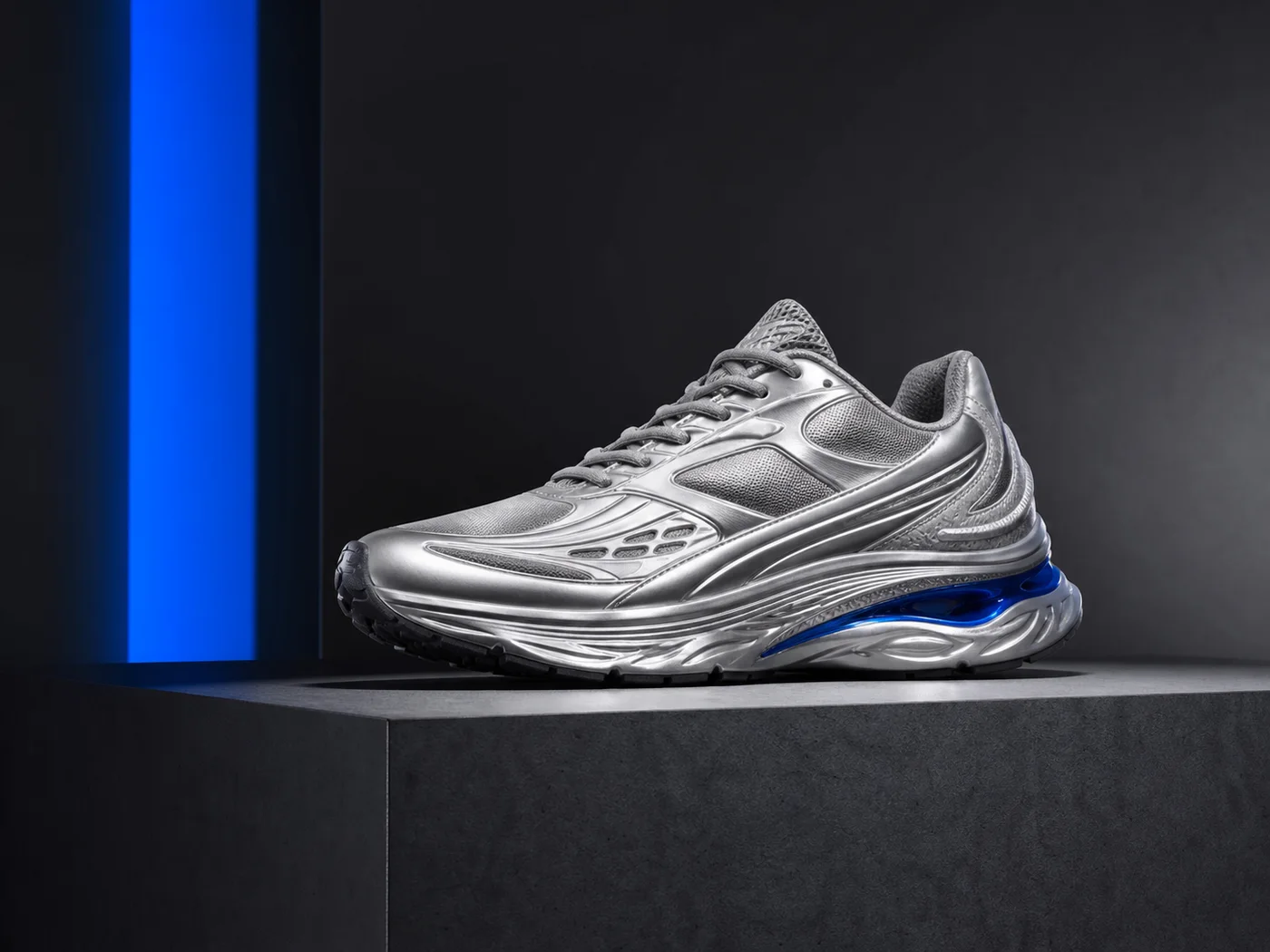
Guide Every Edit with Up to 10 Reference Images
Switch the Seedream 5.0 Pro generator to image to image mode and it supports single-image and multi-reference editing in one focused workflow. Upload and crop up to ten references, explain the change in natural language, and let Seedream 5.0 Pro preserve the visual direction supplied by your inputs. It is a practical way to explore coordinated product, character, color, and composition variations.
How to Use the Seedream 5.0 Pro AI Image Generator
Move from an idea or reference set to a finished Seedream 5.0 Pro image in three focused steps.
01
Choose a creation mode. Start the Seedream 5.0 Pro workflow with text to image for a new concept, or switch to image to image and add up to ten cropped references for a guided edit.
02
Set the prompt and output. Describe the subject, composition, materials, lighting, and desired changes. Then choose an aspect ratio and a 1K or 2K output tier for Seedream 5.0 Pro.
03
Generate, review, and download. Submit the task, review the saved result, and download the finished Seedream 5.0 Pro JPEG through the secure download route when generation completes.
Seedream 5.0 Pro FAQ
Create Your Next Image with Seedream 5.0 Pro
Use a prompt or up to ten visual references to produce a focused 1K or 2K result.