

Revive Your Memories with Deep Nostalgia AI
Transform your family photos into captivating animated videos with the help of AI photo animation, which breathes life into your cherished memories.
Deep Nostalgia AI Examples
Bring your cherished memories to life by transforming vintage family photos into videos

Prompt
Family portrait animation with natural facial expressions
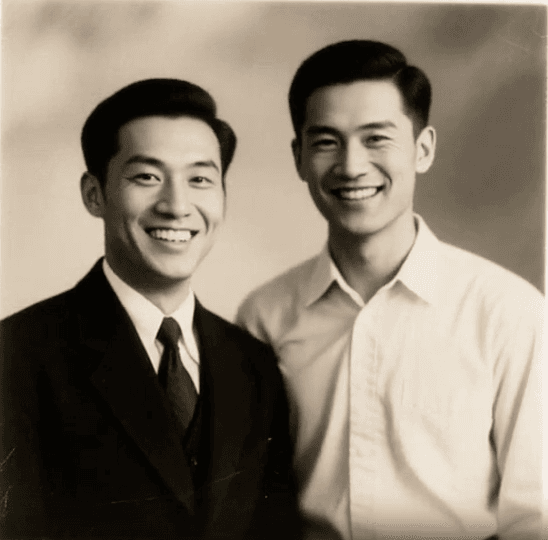
Prompt
Animate this image, bringing it to life with subtle movements while preserving the original features.

Prompt
Grandfather portrait with warm smile animation
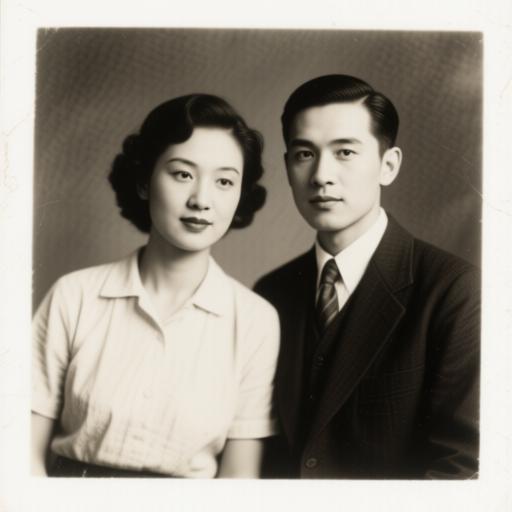
Prompt
Animate this image, bringing it to life with subtle movements while preserving the original features.
How to Use Deep Nostalgia AI
Follow these easy steps to create stunning animations from your old photos.
1
Sign Up or Log In Create an account or log in to access Deep Nostalgia AI.
2
Upload Your Photo Select and upload your cherished old photo to the platform.
3
Animate and Download Wait a few moments while Deep Nostalgia AI animates your photo, then download or share your animated video.
Key Features of Deep Nostalgia AI
AI-Powered Animation
Utilizes advanced deep learning technology, including AI photo animation, to create realistic animations of facial expressions and movements.
Fast Processing
Generates high-quality animated videos within minutes, allowing for quick and easy sharing.
Preservation of Original Character
Maintains the integrity and appearance of the individuals in your photos, ensuring true-to-life animations.
User-Friendly Interface
Designed for simplicity, making it easy for anyone to animate their photos without technical expertise.
Shareable Content
Easily download and share your animated videos on social media platforms to engage with friends and family.
Privacy Protection
Ensures user privacy by automatically deleting uploaded photos that are not associated with an account.
Frequently Asked Questions about Deep Nostalgia AI
Start Creating Amazing Deep Nostalgia AI Videos Today
Transform your photos into captivating videos with our AI-powered technology
Join our Discord
Chat with the team, request features, share feedback, and get early updates.
Join Discord