
Account
Drag & drop or click to upload an image
Supports JPG, PNG, WEBP (Max 10MB)
See how a single image is animated into a coherent video with Kling 2.6.
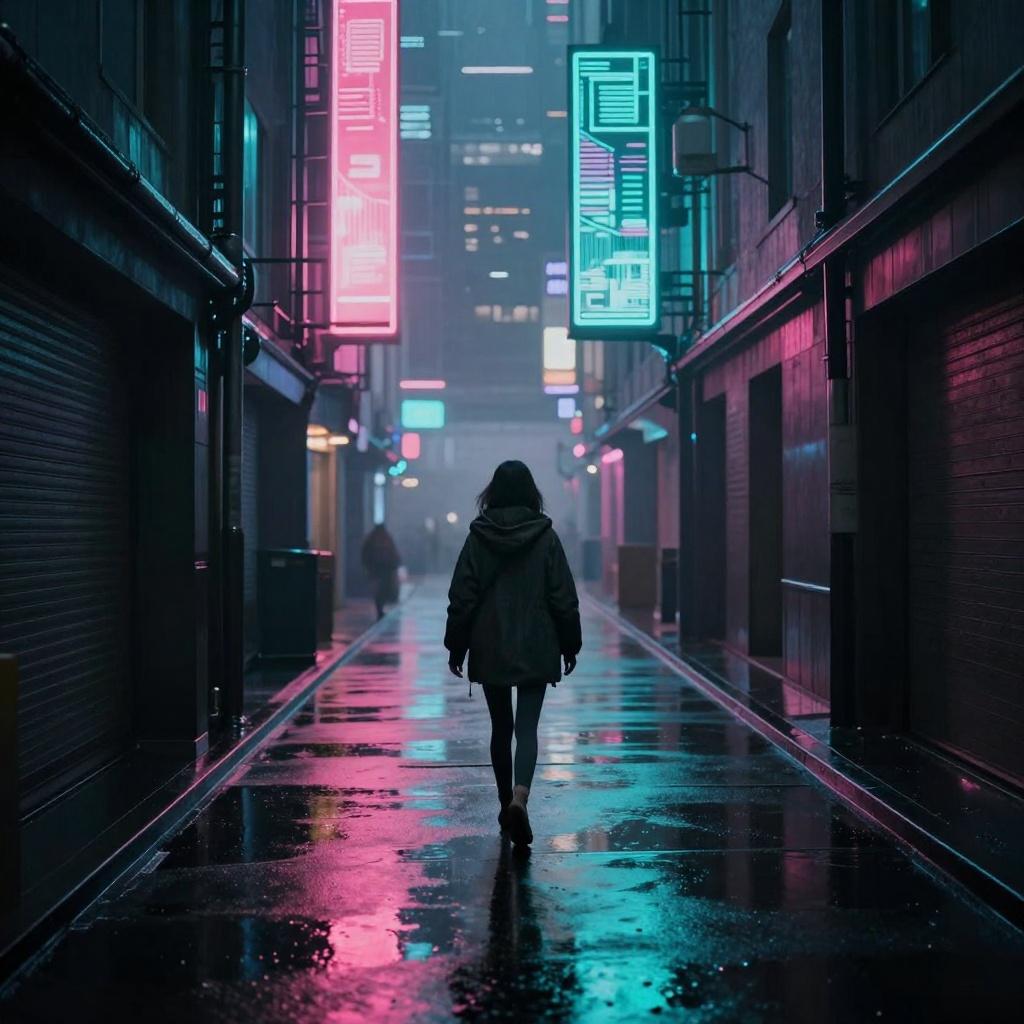
Kling 2.6 is a cinematic‑grade AI video generator that transforms text and images into professional videos with native audio. Experience complete creation and editing with Kling 2.6 AI.
Kling 2.6 creates visuals and a synchronized soundtrack in a single pass. From one prompt, scenes arrive with cohesive motion and sound—no post‑sync required. Supports image‑driven motion where a supplied still becomes the opening frame.
Dialogue and reactions match who’s on screen, with timing aligned to the actions you describe. Kling 2.6 AI Video Generator anchors voices to the character for natural pacing and expression.
Ambient beds and SFX follow the camera and on‑frame events, adapting to context for immersive results. Integrated into Kling 2.6’s script‑to‑scene pipeline for consistent audio across shots.
Cinematic sequences & VFX
Social media & YouTube
Ads & product demos
Training & tutorials
Kling 2.6 will continue advancing unified audio–video creation: richer character‑synced voices, longer sequences, finer motion control, and deeper script‑to‑scene tooling. Expect more precise scene‑aware sound design and image‑driven motion—so prompts become polished, cinematic results with native audio.
Two fast workflows with KLING VIDEO 2.6: image‑to‑video and text‑to‑video. Create cinematic results with the Kling 2.6 AI Video Generator, and optionally enable native audio for complete scenes.
Image → Video Upload an image, enter a prompt, click Generate, then download your video. Control duration in this mode; aspect ratio is fixed (use Text → Video for custom aspect ratios). Kling 2.6 builds motion from your starting frame for coherent, image‑driven results.
Text → Video Enter a natural‑language prompt, choose aspect ratio (9:16, 16:9, 1:1) and duration, click Generate, then download your video. The KLING VIDEO 2.6 pipeline turns scripts into polished, cinematic sequences.
Optional: Native Audio Enable audio to produce Kling 2.6 Video with Audio
Download & Share Download your kling 2.6 AI Video and share it on social media, ads, and presentations.
Kling 2.6 combines cinematic AI video with native audio, multi‑reference consistency, and natural language editing. Kling 2.6 AI Video Generator streamlines production and keeps creative control in your hands. Use KLING VIDEO 2.6 for fast ideation, or switch to kling 2.6 pro when you need precision and pro workflows.
Create cinematic AI videos with native audio using Kling 2.6. Kling 2.6 AI Video Generator unifies text‑to‑video, image‑to‑video, multi‑reference consistency, and natural language editing. Use Kling 2.6 Pro for granular control over motion, camera, timing, and audio mixing. From short social clips to polished ads, KLING VIDEO 2.6 delivers professional output with efficient workflows.
