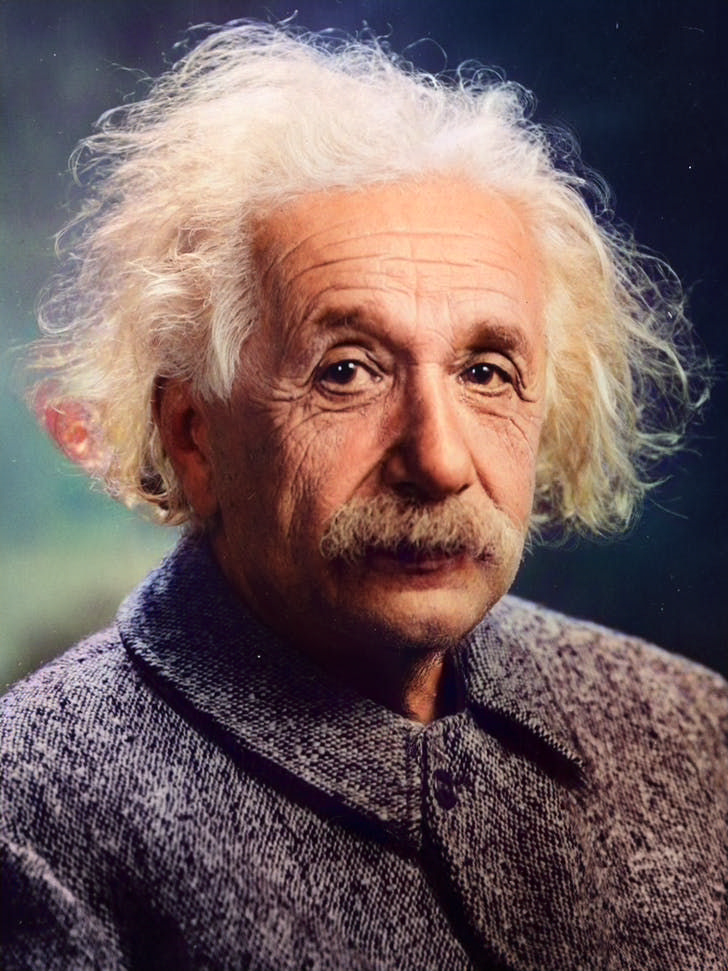
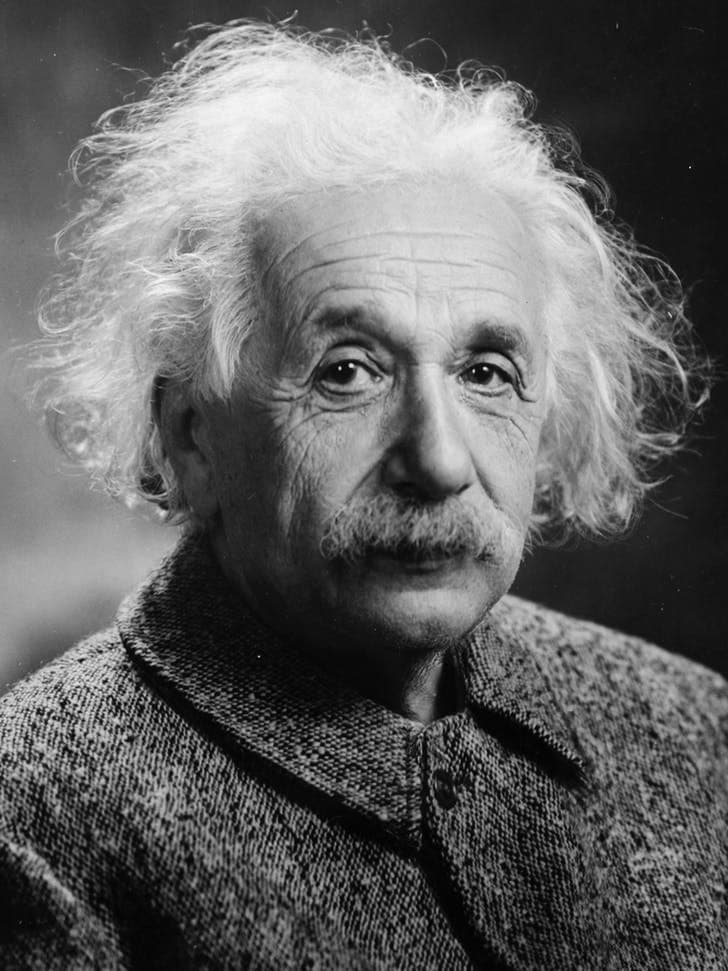
AI Photo Colorizer is an advanced artificial intelligence tool that automatically adds realistic colors to black and white photographs. Using deep learning algorithms, it analyzes the content of your image and applies historically accurate and natural-looking colors to bring your old photos to life.
Our AI Photo Colorizer uses sophisticated neural networks trained on millions of color photographs. The AI analyzes objects, textures, and context in your black and white image, then intelligently predicts and applies the most appropriate colors based on historical data and visual patterns.
AI Photo Colorizer works best with clear, high-contrast black and white photographs. Portrait photos, landscape images, and historical photographs typically produce excellent results. The tool performs optimally with images that have good lighting and clear subject definition.
Yes, you can try AI Photo Colorizer for free with basic features. We offer both free and premium options, with the premium version providing higher resolution outputs, faster processing, and additional customization options for professional use.
While AI Photo Colorizer produces highly realistic and historically plausible colors, the exact original colors cannot be guaranteed since they're based on AI predictions. The tool aims for natural-looking, contextually appropriate colorization rather than perfect historical accuracy.
The AI Photo Colorizer provides an automated colorization as a starting point. For detailed color adjustments and fine-tuning, you can download the result and use photo editing software to make manual modifications to achieve your desired look.
AI Photo Colorizer supports common image formats including JPG, JPEG, PNG, and WEBP. For best results, we recommend uploading high-quality images with a resolution of at least 512x512 pixels.
Processing time with AI Photo Colorizer typically ranges from 30 seconds to 2 minutes, depending on the image size, complexity, and current server load. Higher resolution images may take slightly longer to ensure optimal quality results.