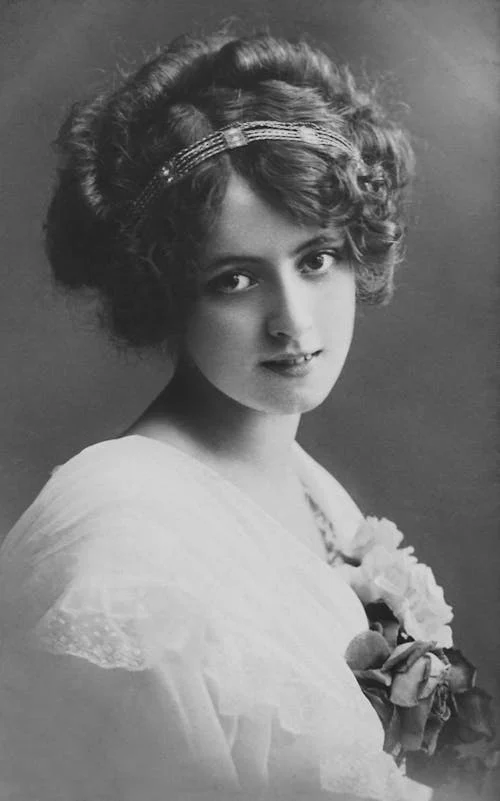
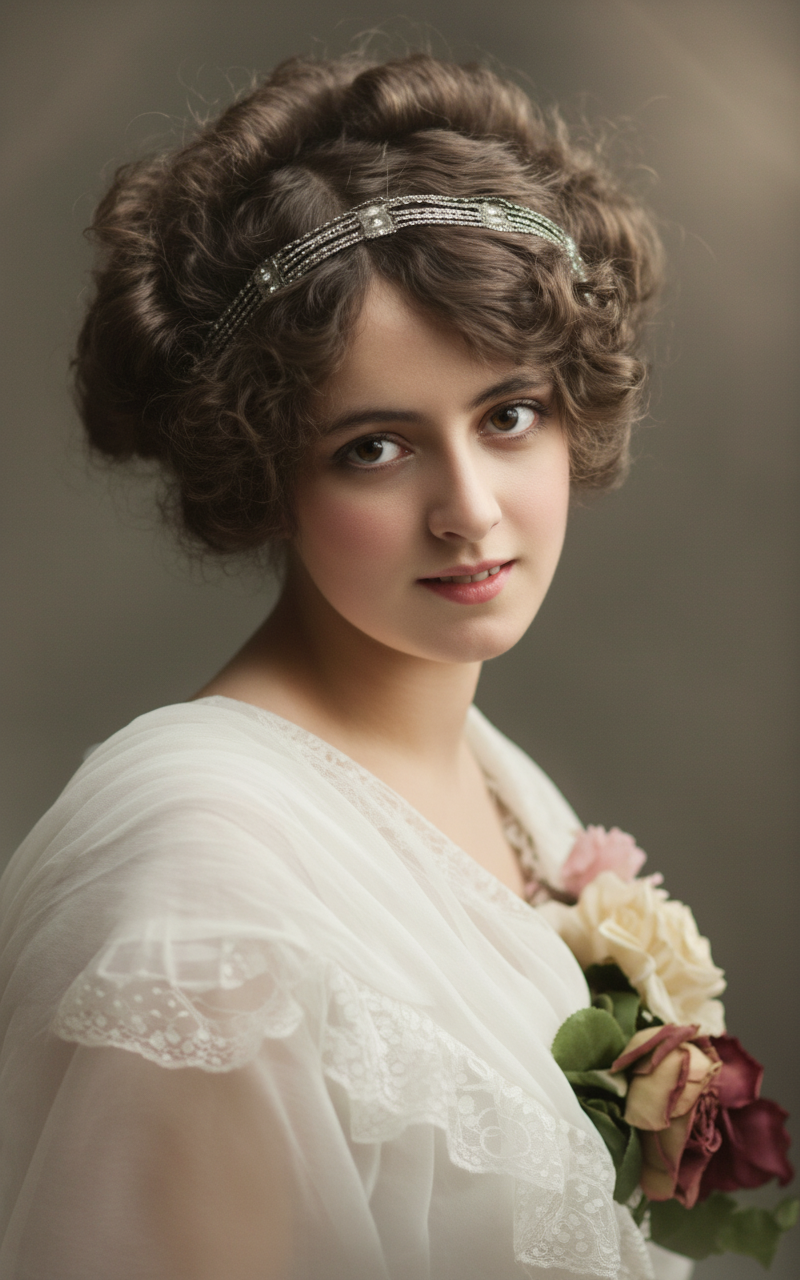
Convert 4K HD Realistic — Turn Ordinary Images into Cinematic Clarity

Drag & drop or click to upload an image

Supports JPG, PNG, WEBP (Max 10MB, min 300x300px)

39/1000

Sample Result

Upload an image to get started

Your edited image will appear here

Example Prompts and 4K Conversions

See how ordinary inputs become clear, detailed 4K results.
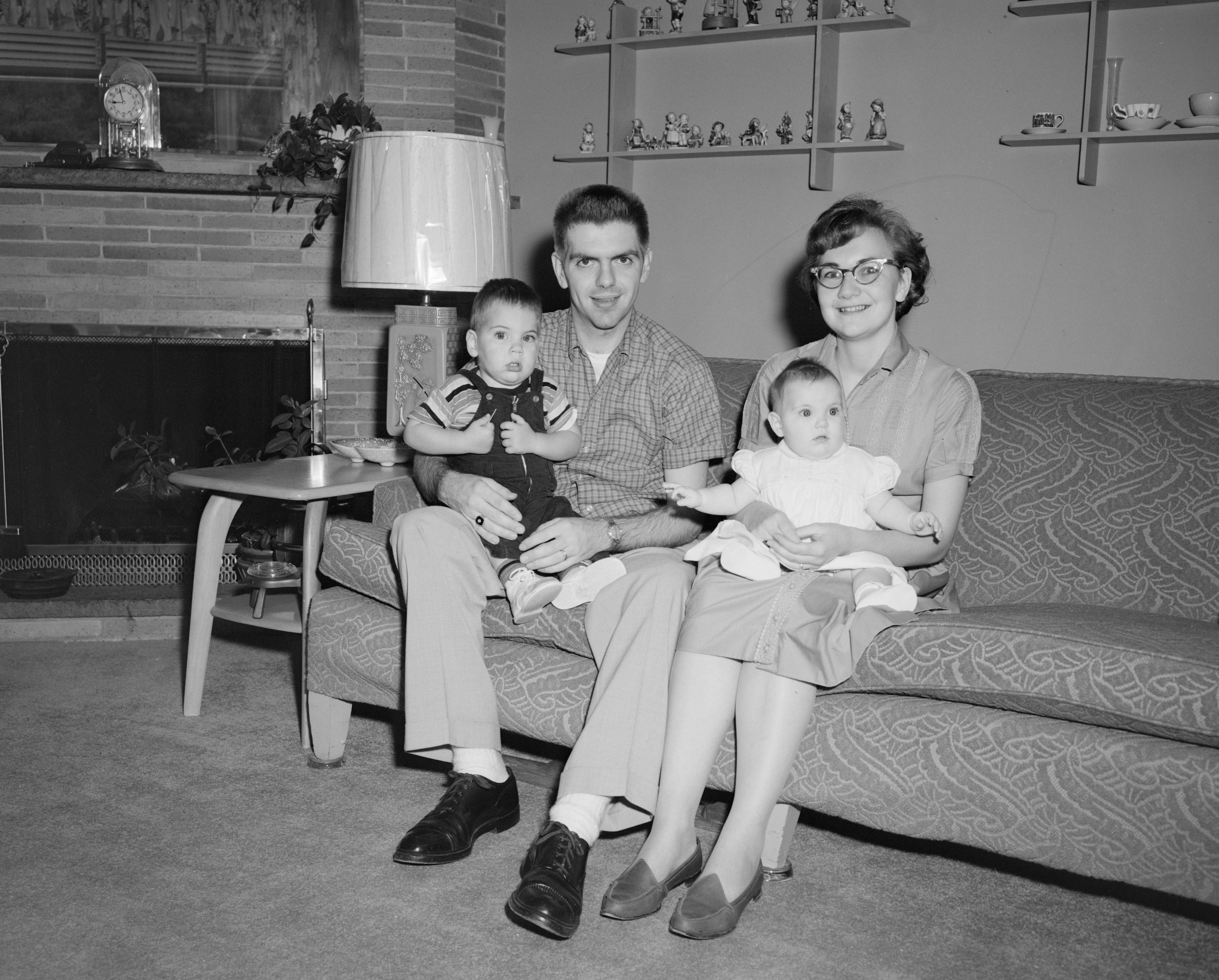
Input Image
input image

Prompt

Convert image to 4k hd realistic a stunning portrait with natural skin texture, cinematic light, and preserved facial identity.
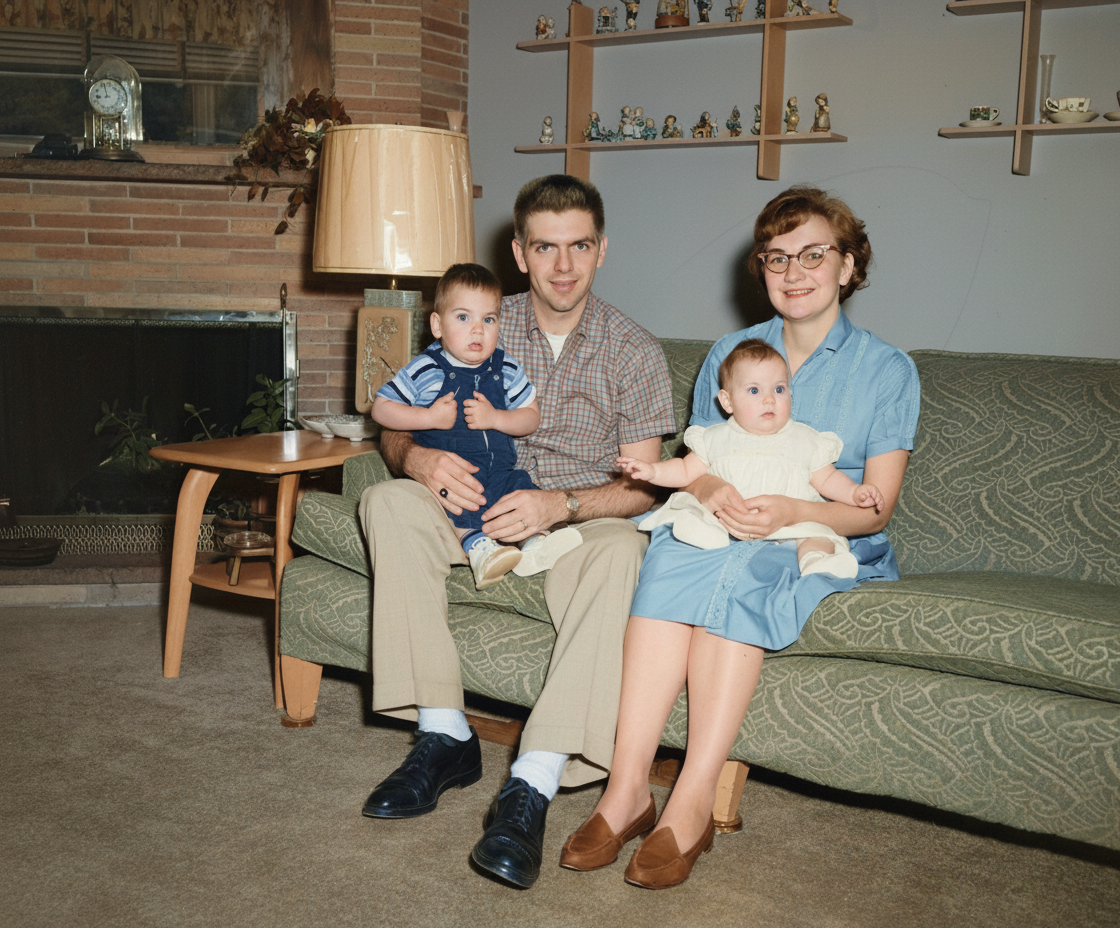
Output Image
output image

How to Use Our 4K HD Realistic Converter

Move from standard resolution to believable 4K in three simple steps.

01

Upload or Describe Start with your best source image and a clear goal—portrait, product, or scene.

02

AI Enhancement The model reconstructs detail, sharpens edges, and refines color for a natural 4K finish.

03

Download & Review Export for web or print and check on real screens to ensure the 4K result feels authentic.

Try 4K Conversion Free
4K HD REALISTIC FEATURES

Key Features of Our 4K Converter

AI-powered enhancement that reconstructs detail, speeds up processing, and preserves natural color so your outputs look truly 4K.

AI-Powered Enhancement

Advanced models analyze textures and edges to rebuild believable detail instead of simple pixel stretching.

Fast & Seamless

Optimized for speed so you can convert short clips or large images efficiently without sacrificing quality.

Format Friendly

Works smoothly with common formats and across platforms, ideal for web, social, and print-ready exports.

Creator-Centric Controls

Tunable strength and clean outputs help you achieve a 4k hd realistic portrait or product shot with minimal effort.

4K Enhancement Technology

Convert 4K HD Realistic

Transform ordinary images into stunning 4K masterpieces with intelligent AI enhancement that preserves natural beauty while adding cinematic clarity.

Intelligent Image Enhancement

Our AI doesn't just upscale—it intelligently reconstructs texture, sharpens edges, and maintains natural color balance. Perfect for portraits, product photography, and large-format displays that demand native 4K quality.

Why Choose 4K Enhancement

  • Preserve composition while upgrading fidelity
  • Scale perfectly across all screen sizes
  • Single-step intelligent enhancement
  • Consistent high-end professional look

Quick Workflow

  1. 1Start with the highest quality source image
  2. 2Apply AI enhancement that rebuilds texture
  3. 3Review at 100% zoom and export

Perfect For

Portraits
Natural skin texture with sharp eyes and hair
Products
Enhanced stitching, metal edges, and fabric details
Architecture
Restored patterns in stone, tile, and reflections

Practical Prompt Starters

1

"Create a 4k hd realistic portrait with soft window light, true-to-life color, and clean detail."

2

"Convert 4k hd realistic a stunning portrait with gentle micro-contrast and crisp eyes."

3

"Prompt convert 4k hd realistic for a product shot—prioritize texture and edge cleanliness without halos."

4

"Convert 4k realistic a stunning prompt for editorial: cinematic color, natural skin, believable depth."

Field-Tested Pro Tips

Trust mid-tone detail; avoid crushed shadows and blown highlights
Reduce intensity if halos appear around edges
Consider subtle grain overlay only when needed to unify enhancement
Preview on multiple screens to validate photographic quality

Frequently Asked Questions about 4K HD Realistic Conversion

It intelligently reconstructs detail instead of merely enlarging pixels. Expect crisper edges, cleaner gradients, and enhanced textures so your images look native 4K without the artificial look.
Yes. For a 4k hd realistic portrait, keep skin tones natural and sharpen carefully around eyes and hair. The goal is lifelike clarity, not plastic skin.
Absolutely. Convert 4K HD Realistic helps materials, stitching, glass, stone, and fine patterns read accurately on zoomable pages and large screens.
Start with moderate settings, review at 100% zoom, and adjust strength to prevent halos. Natural color and believable texture make a stunning result.
Yes. You can style a portrait first using creative prompts (e.g., with Google Gemini) and then convert 4k hd realistic for the final resolution lift.

Ready to Convert 4K HD Realistic?

Join creators upgrading portraits, products, and scenes to true-to-life 4K. Start free and see the difference.